
🚨 The Problem
Recently, we noticed that on some Android devices (like Motorola or Pixel phones running stock Android), our Flutter app icon didn’t fit correctly — it appeared inside a white square or circle with extra padding.
This happens because the app icon isn’t configured as an adaptive icon. Instead, Android tries to fit your static image into its shape mask (circle, squircle, square, etc.), leaving unwanted borders.
Here’s what it looks like:
🧠 Understanding Adaptive Icons
Since Android 8.0 (Oreo), app icons must support adaptive layers:
- Foreground – the main logo or symbol
- Background – a solid color or image behind it
When both are properly defined, Android can shape the icon automatically without distorting or padding it.
🛠️ Step-by-Step Fix (Flutter)
1️⃣ Add flutter_launcher_icons
Add this to your pubspec.yaml:
dev_dependencies:
  flutter_launcher_icons: ^0.13.1

flutter_icons:
  android: true
  ios: true
  image_path: "assets/icon/app_icon.png"
  adaptive_icon_foreground: "assets/icon/app_icon_foreground.png"
  adaptive_icon_background: "#FFFFFF"
2️⃣ Run the Icon Generator
Execute this command in your terminal:
flutter pub run flutter_launcher_icons:main
This generates adaptive icons in:
android/app/src/main/res/mipmap-anydpi-v26/
3️⃣ Verify the Result
Now install the app again on devices like Motorola, Pixel, or Nokia.
Your icon should perfectly adapt to the system shape — no more white padding!
| Before | After |
|---|---|
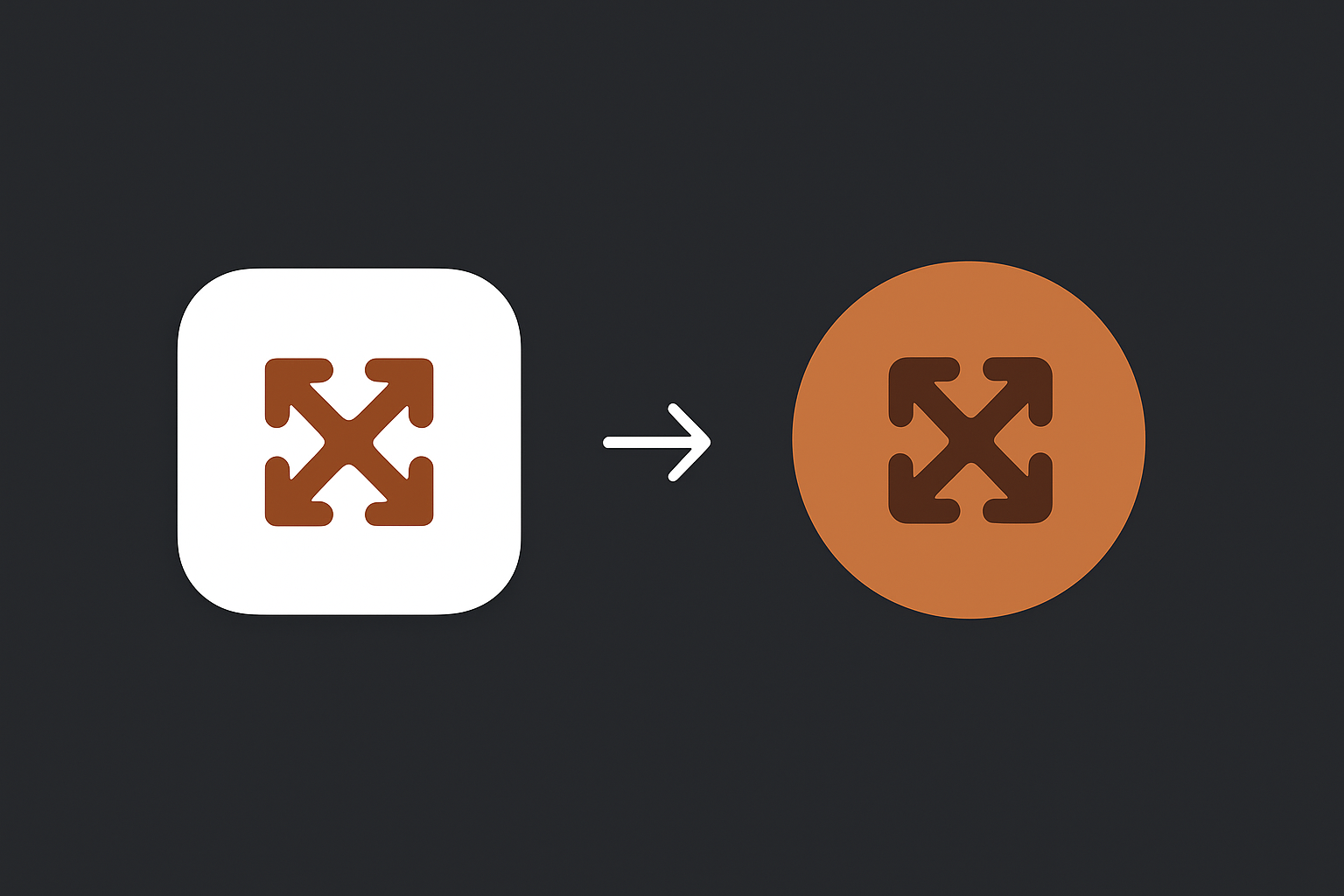 | |
💡 Common Mistakes
- Using a single PNG for both background and foreground.
- Forgetting to define an adaptive icon in
mipmap-anydpi-v26. - Transparent logos without background color (causes black/white fill).
✅ Conclusion
By properly setting up adaptive icons, your Flutter app icon will look sharp and consistent across all Android devices — regardless of launcher or shape settings.