
Whether you’re just starting out or already a seasoned Flutter pro, these commands will supercharge your workflow and boost your productivity ⚡
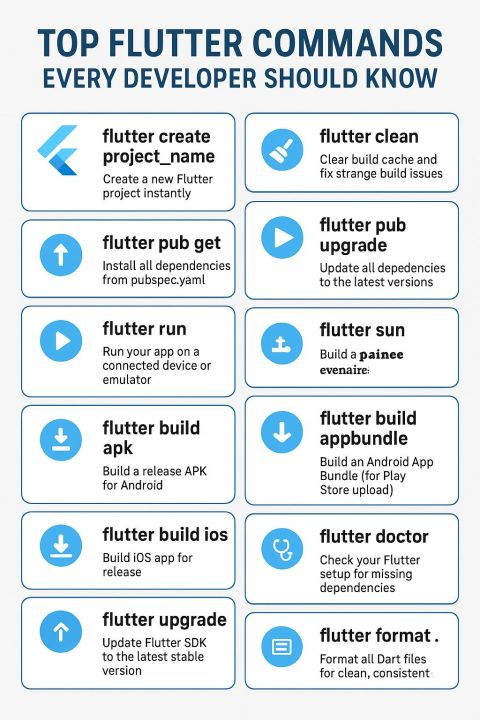
💻 1️⃣ flutter create project_name
→ Instantly create a brand-new Flutter project
💻 2️⃣ flutter clean
→ Clear the build cache to resolve unexpected build issues
💻 3️⃣ flutter pub get
→ Fetch all dependencies listed in your pubspec.yaml
💻 4️⃣ flutter pub upgrade
→ Upgrade all dependencies to their latest compatible versions
💻 5️⃣ flutter analyze
→ Analyze your code to detect errors, warnings, and best-practice issues
💻 6️⃣ flutter run
→ Run your app on an emulator or connected physical device
💻 7️⃣ flutter build apk
→ Generate a release-ready APK for Android
💻 8️⃣ flutter build appbundle
→ Build an Android App Bundle (AAB) for Play Store submission
💻 9️⃣ flutter build ios
→ Create a release build for iOS
💻 🔟 flutter doctor
→ Diagnose your Flutter setup and check for missing tools or dependencies
💻 11️⃣ flutter upgrade
→ Update your Flutter SDK to the latest stable version
💻 12️⃣ flutter format.
→ Automatically format all Dart files for clean and consistent code
💻 13️⃣ flutter test
→ Run unit and widget tests to ensure code reliability
💻 14️⃣ flutter devices
→ List all available emulators and connected devices
💻 15️⃣ flutter logs
→ Stream live logs from your running Flutter app for easy debugging
✨ Master these commands to save time, debug faster, and keep your Flutter projects running smoothly!
Copied from LinkedIn.